Resources

Documentation and support

Everything you need to get the most from EPCplanner, from the complete user manual to FAQ and release notes.

User Manual

EPCplanner User Manual

The complete operational guide covering all modules, workflows and governance controls. Version 1.0, June 2026.

01 Introduction and Platform Overview
02 Project Setup and Administration
03 Schedule Integration
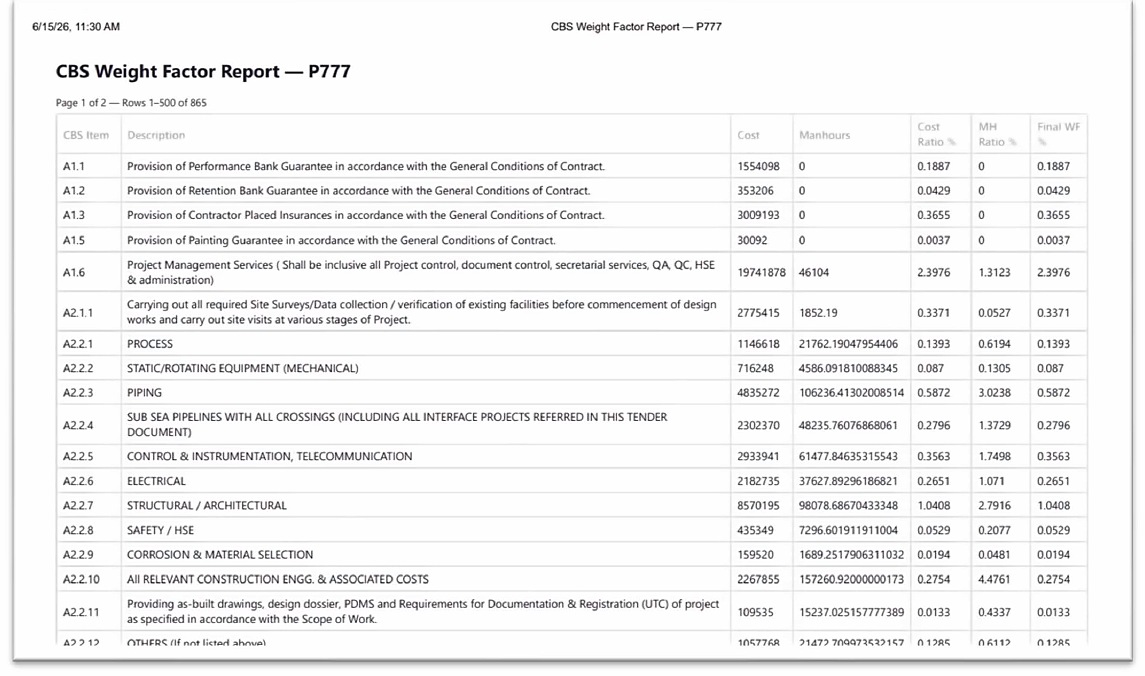
04 Commercial Breakdown Structure (CBS)
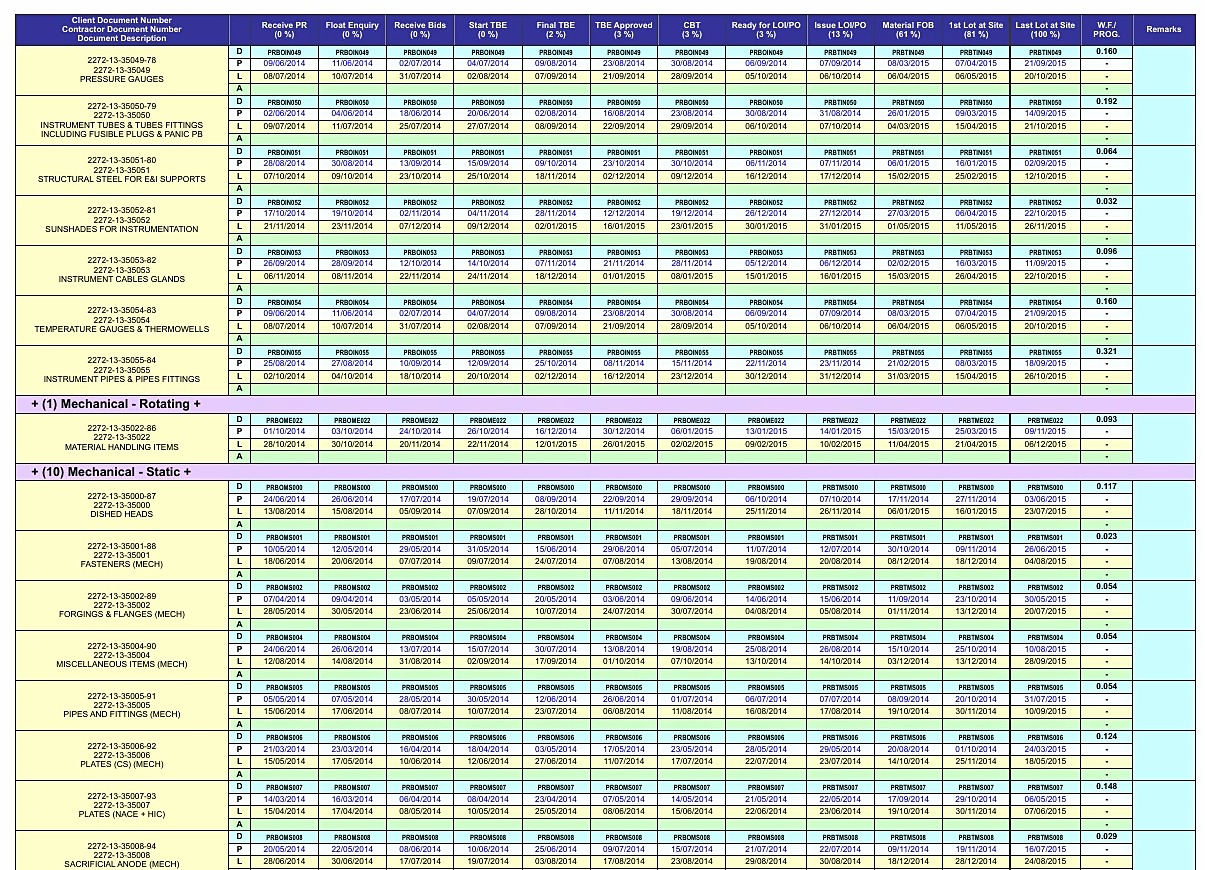
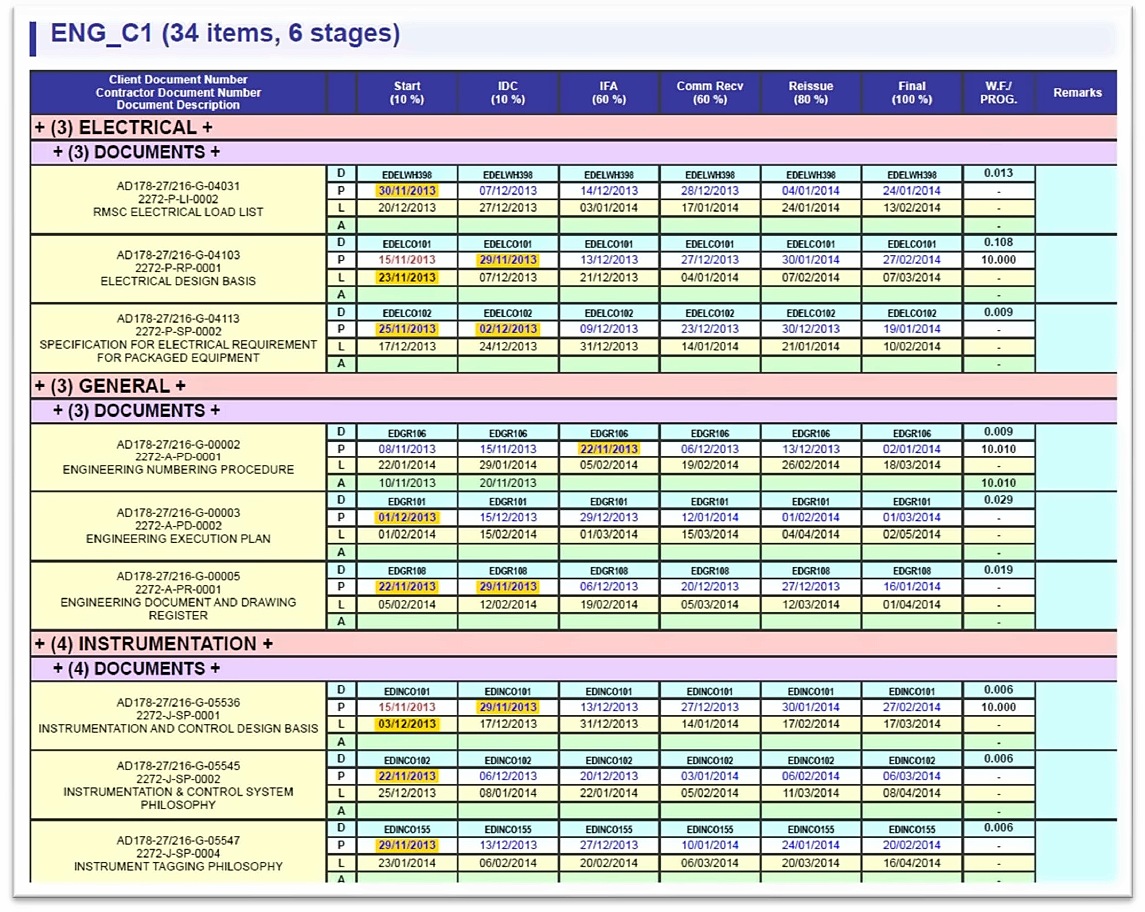
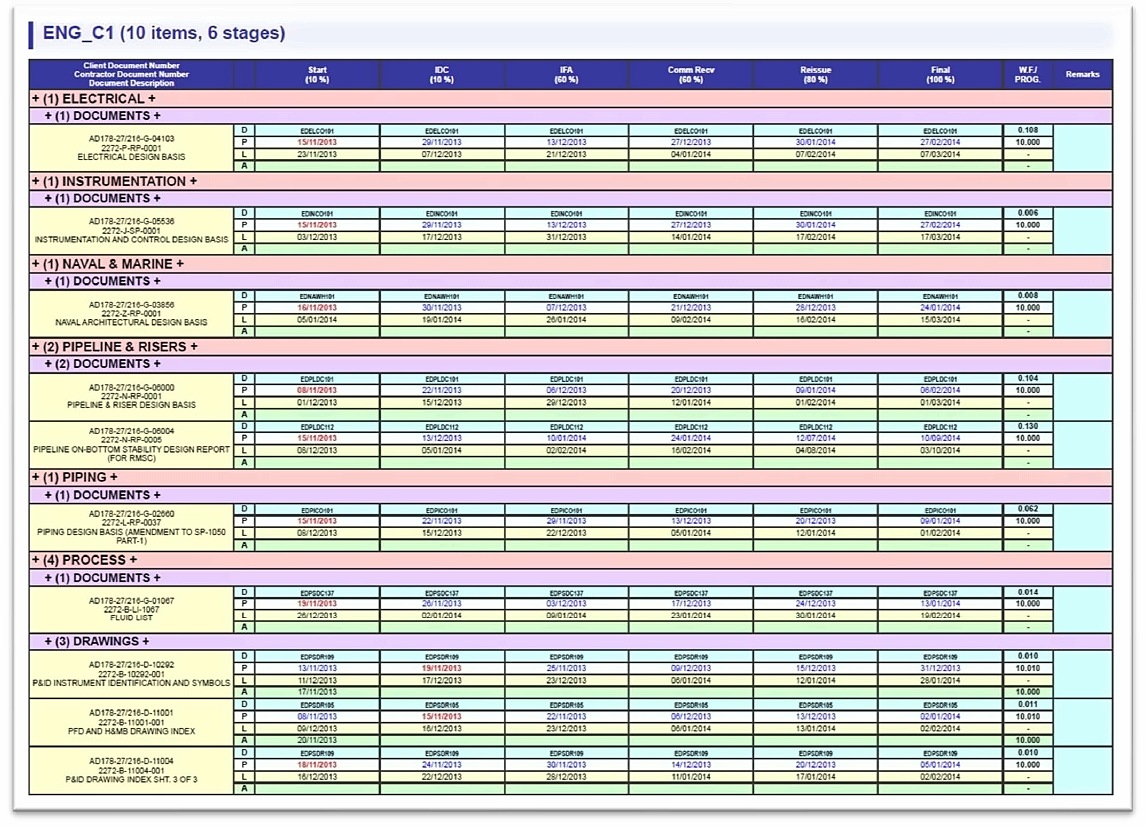
05 Engineering Register
06 Procurement and Subcontracts
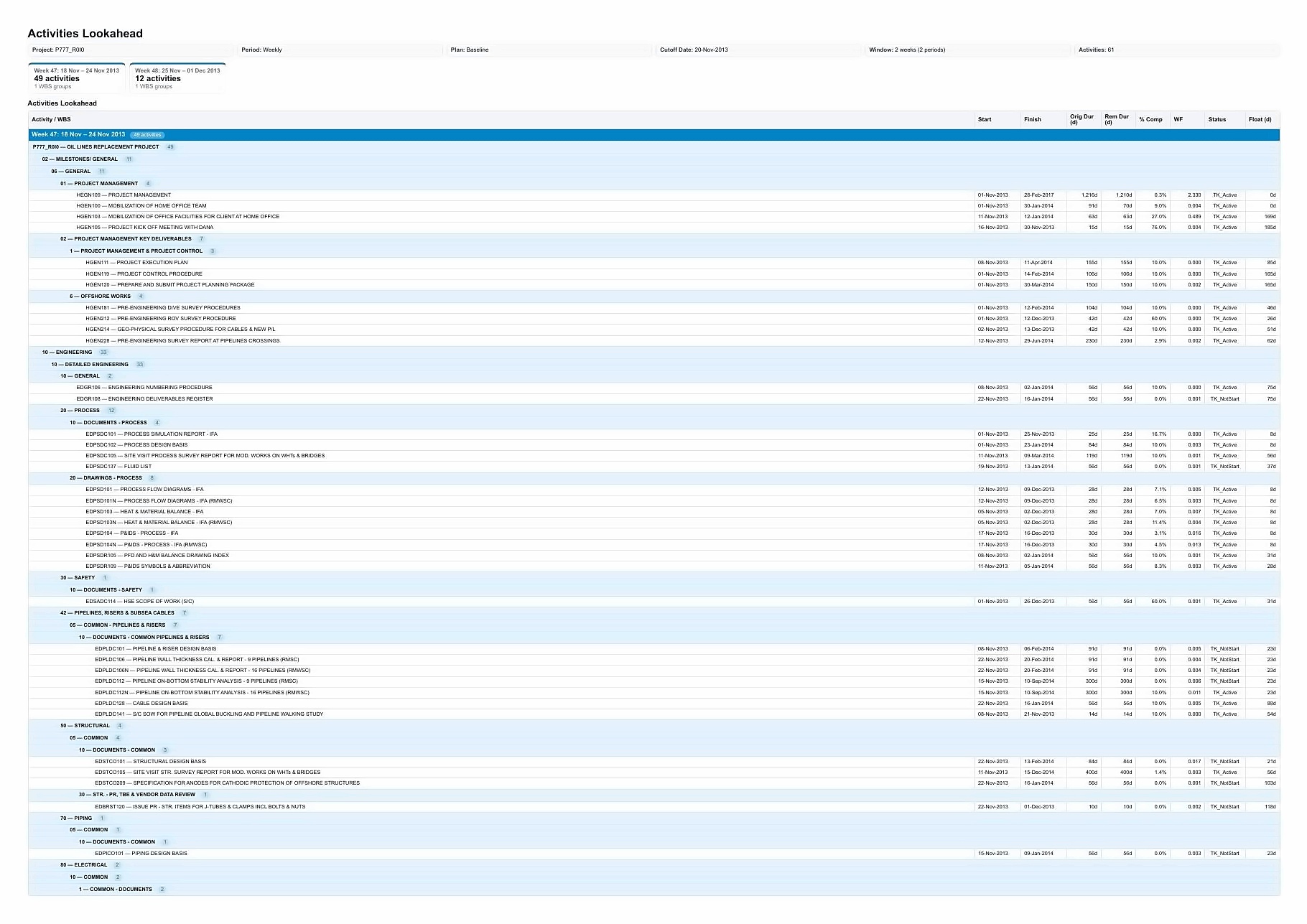
07 Forecasting and Lookahead
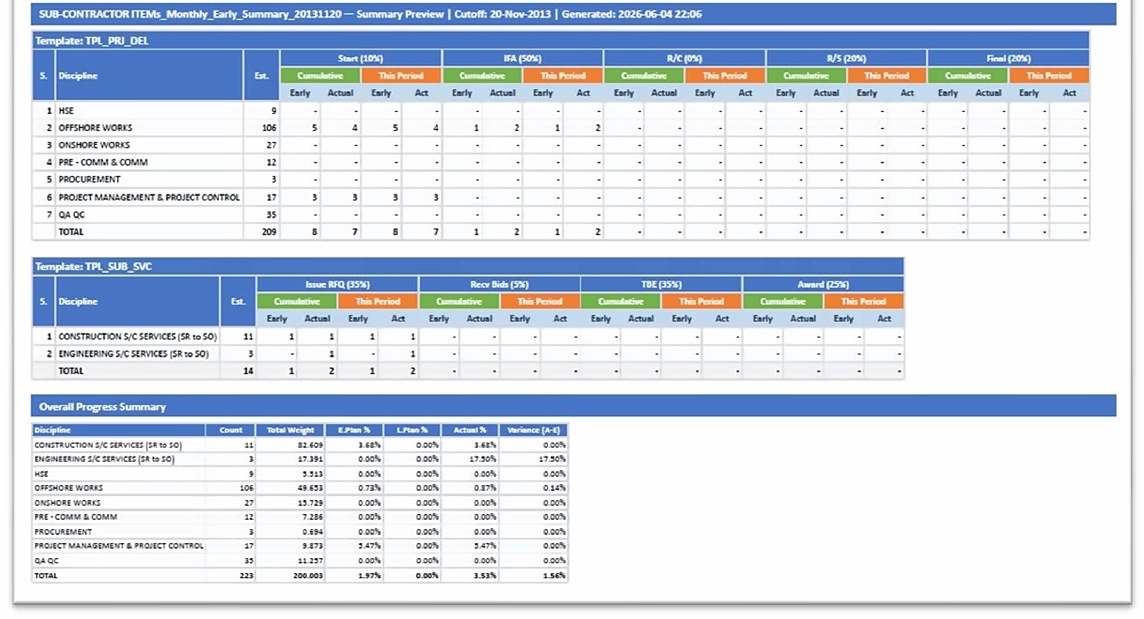
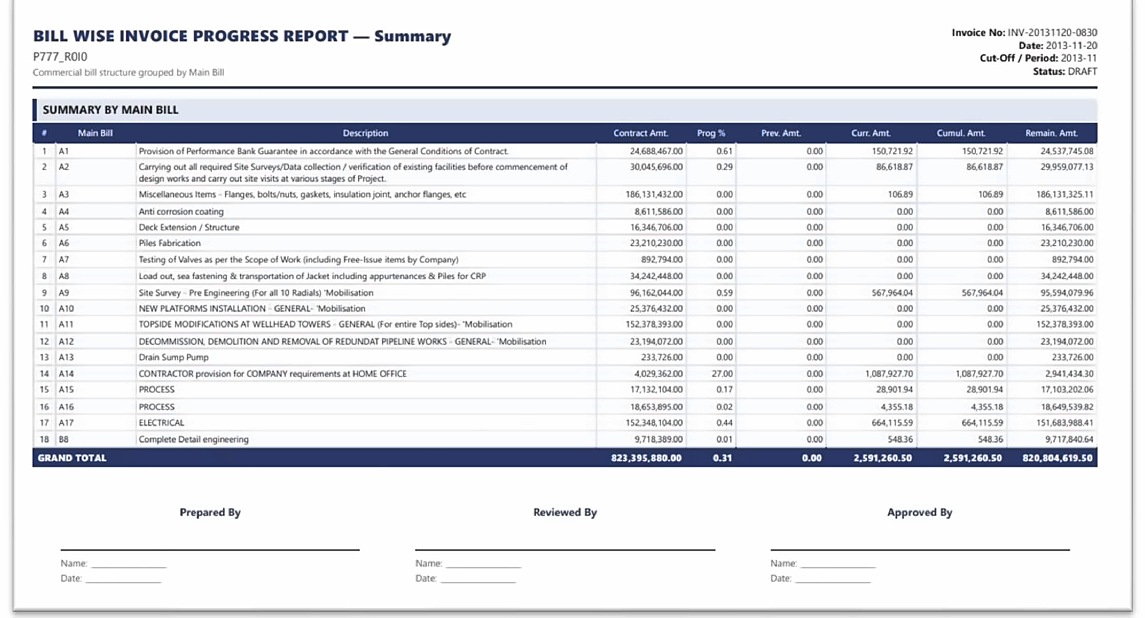
08 Reporting and Dashboards
09 Period Close and Governance
10 Management of Change (MOC)
11 Role-Based Access and Security
12 Licensing and Installation
13 Glossary and Reference

EPCplanner User Manual

Version 1.0 R1, June 2026

13 sections, complete platform reference

Download PDF

PDF, approximately 16 MB

Release Notes

v2026.1.0 June 2026

Initial production release. Full platform coverage across all six modules, Plan Versioning, SHA-256 forensic integrity, bilingual EULA, and complete governance framework.

Downloads

Available resources

User Manual PDF

Complete platform reference, 13 sections. Version 1.0 R1, June 2026.

Video Walkthroughs

Module-by-module video guides. Coming soon.

Quick Start Guide

Condensed setup guide for new installations. Coming soon.

FAQ

Frequently asked questions

EPCplanner supports XER file import (compatible with all major project scheduling platforms that export XER format), as well as direct database connections to Oracle EPPM and SQL Server deployments of enterprise scheduling software. A standalone SQLite database connection is also supported for simpler environments.
No. EPCplanner is a native desktop application designed for offline and LAN operation. All core functions, including register updates, progress entry, CBS calculation and report generation, operate without internet connectivity. Network access is only required when synchronising with a live scheduling platform database.
EPCplanner is built with .NET MAUI and targets Windows, Android and iOS. The primary deployment environment is Windows desktop. Mobile applications provide field review and progress entry capability.
Yes, in a LAN server deployment with a shared SQL Server database. Each user connects to the central project database, and role-based access controls determine what each user can view and modify. In standalone mode, the database is single-user.
Once a reporting period is closed with a cut-off date, Freeze Guard prevents any modification to data within that period. This applies to all user accounts including project administrators. Register states, CBS figures, S-curve data points and all other period data are permanently locked. This ensures that historical data used in delay analysis or payment disputes reflects exactly what was recorded at the time.
Progress is calculated by weighting individual deliverable completion against their Commercial Breakdown Structure (CBS) value. Each deliverable in a register carries a weight derived from its price schedule allocation. Certified completion of a deliverable contributes proportionally to the weighted progress of its WBS node, discipline and the overall project. This method eliminates subjective estimates and ties progress directly to commercial entitlement.
Yes. EPCplanner is currently in its pilot phase with selected organisations. Contact us to discuss a pilot deployment for your project or organisation.
Still have questions?

We are happy to help

Contact us directly for technical questions, deployment enquiries or to arrange a demonstration.